Optional: the desktop app
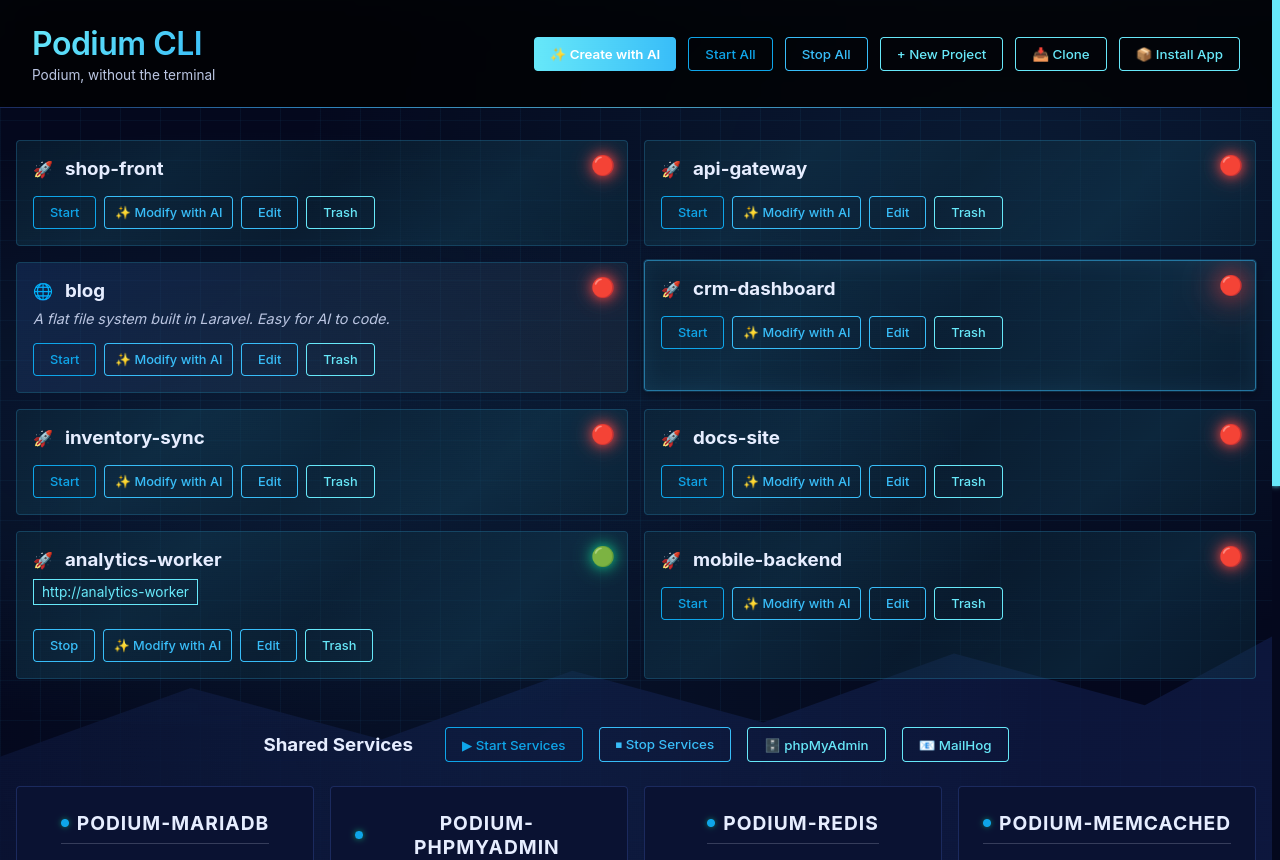
Everything above is the CLI and is all you need. Zeltro GUI is a separate, optional desktop front end for it — same projects, same services, just visible and clickable.
Install the GUI
One command, the same shape as the CLI above — it clones the repo for you and builds from source. On Linux and macOS it installs the CLI first if zeltro is missing.
curl -fsSL https://raw.githubusercontent.com/CaneBayComputers/zeltro-gui/master/install-ubuntu.sh | bash
Swap for install-fedora.sh, install-arch.sh or install-mac.sh. It pulls the npm dependencies, compiles the TypeScript and rebuilds the native terminal module against Electron — a few minutes, mostly npm install. Re-running it is safe, and running it from inside an existing checkout installs that checkout instead of cloning.
Windows works differently. The GUI runs natively, but there is no local Zeltro for it to drive — it connects over SSH to machines that have one, added under Settings → SSH Hosts. Right-click PowerShell, choose Run as administrator, then: irm https://raw.githubusercontent.com/CaneBayComputers/zeltro-gui/master/scripts/install-windows.ps1 | iex Full details →